Built to be accessible
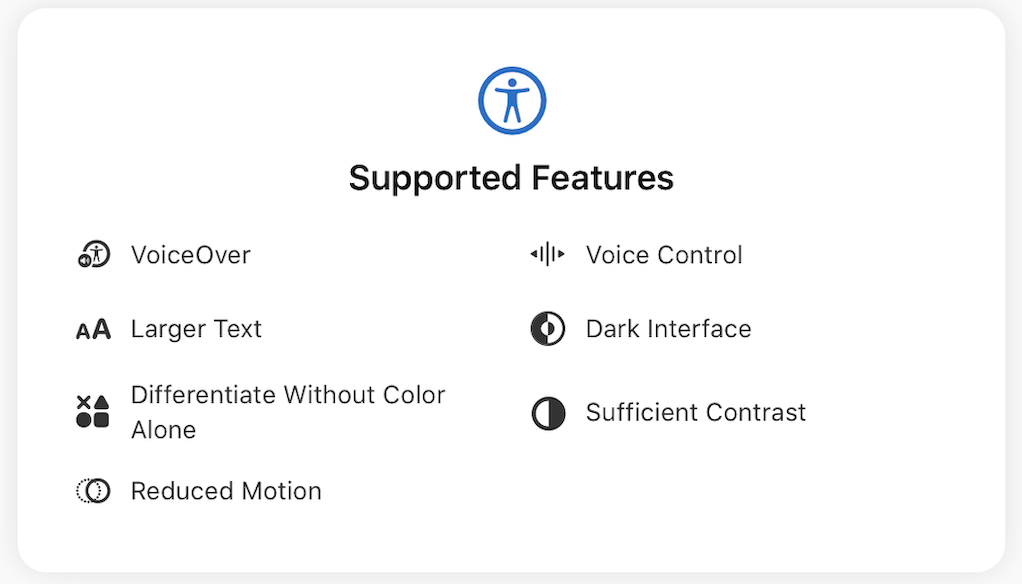
WeFrames is designed so that everyone can react to and comment on shared album photos, regardless of vision, motor ability, or how they interact with their device. The app supports key iOS accessibility features on both iPhone and iPad.
VoiceOver
Every screen in WeFrames works with VoiceOver. Photos, reactions, comments, buttons, and navigation elements all have descriptive labels so you can use the app without seeing the screen. VoiceOver reads out who reacted, what emoji they used, and the content of each comment.
Voice Control
WeFrames supports iOS Voice Control, so you can navigate the app, add reactions, and leave comments entirely with your voice. All interactive elements are reachable through voice commands.
Larger Text
The app respects your Dynamic Type settings. If you use larger text sizes in iOS, WeFrames scales its text accordingly. Comments, labels, and navigation all adapt to your preferred reading size.
Dark Interface
WeFrames fully supports Dark Mode. When you switch your device to dark appearance, the app follows automatically. The interface, widgets, and all screens adapt to reduce eye strain in low light.
Differentiate Without Color Alone
The app does not rely on color as the only way to convey information. Interactive elements, states, and indicators use shape, icons, or labels in addition to color, so the interface remains clear for people with color vision differences.
Sufficient Contrast
Text and interactive elements in WeFrames meet sufficient contrast ratios. This makes the app readable in bright environments and for users who need higher contrast to distinguish text from backgrounds.
Reduced Motion
When Reduce Motion is enabled in iOS settings, WeFrames tones down animations and transitions. The app remains fully functional without motion effects, making it comfortable for people who are sensitive to on-screen movement.
Frequently asked questions
Do I need to enable anything in WeFrames for accessibility?
No. WeFrames automatically follows your iOS accessibility settings. If you have VoiceOver, Dynamic Type, Dark Mode, or Reduce Motion enabled at the system level, the app respects those preferences.
Does the widget support accessibility features?
Yes. The home screen widget works with VoiceOver and adapts to Dark Mode and Dynamic Type.
Is accessibility supported on iPad too?
Yes. All accessibility features are supported on both iPhone and iPad.
