Photos stay in iCloud — no uploads, no external servers
WeFrames does not upload, copy, or store your photos on any external server. Every photo you see in the app comes directly from the Apple Shared Album on your device. Your memories stay exactly where they are, in iCloud.
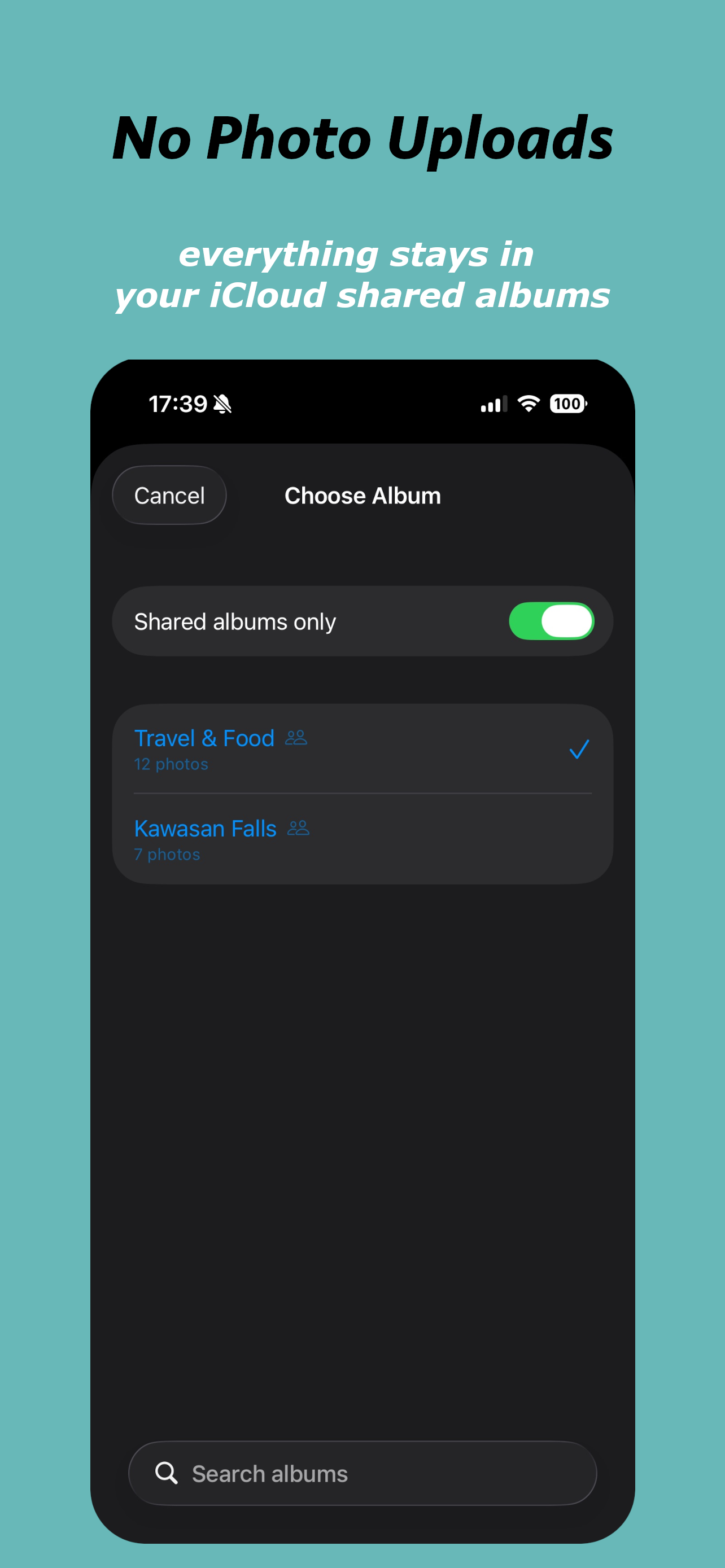
No photo uploads to WeFrames
Many photo apps require you to upload your images to their own cloud storage. WeFrames takes a different approach. The app reads photos directly from the Apple Shared Albums already on your device. Nothing leaves iCloud.
This means there's no duplicate storage, no bandwidth for uploading, and no risk of your photos sitting on an unfamiliar third-party server.
No new photo storage system
WeFrames doesn't create its own album or gallery. It connects to the shared album you already have. The photos, the album membership, and the sharing permissions are all managed by Apple through iCloud.
If you stop using WeFrames, nothing changes about your shared album. Your photos remain exactly where they were.
No account required
WeFrames doesn't ask you to create an account, set a password, or hand over an email address. The app uses your existing Apple ID and iCloud. No separate sign-up required.
How WeFrames connects to Apple Shared Albums
When you set up WeFrames, you pick one of the iCloud Shared Albums on your device. The app reads photos from that album and displays one per day.
The only data WeFrames stores is your reactions, comments, and username. Your photos are never uploaded or copied. They stay in your iCloud Shared Album.
Full privacy policy
For complete details on how WeFrames handles your data, read the full privacy policy.
Frequently asked questions
Does WeFrames have access to all my photos?
WeFrames only accesses the shared album you select. It does not browse or index your full photo library.
What happens to my photos if I delete WeFrames?
Nothing. Your Apple Shared Album and all its photos remain in iCloud, unchanged.
Where are reactions and comments stored?
Reactions and comments are stored securely and synced between album members. Your photos always stay in iCloud.
